Registration with SAGe
1) Go to http://www.fapesp.br/sage/
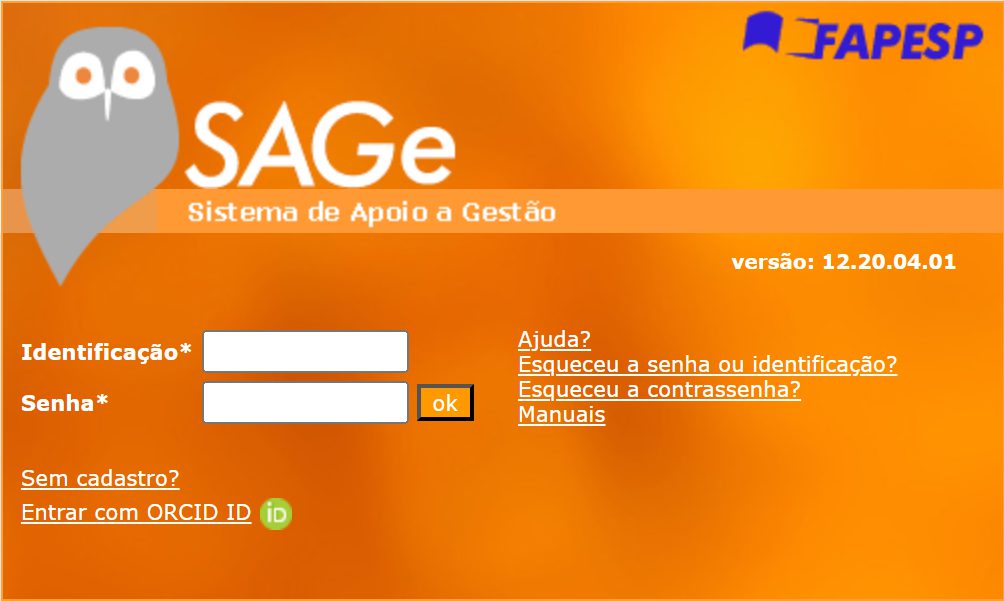
2) Click on “Sem cadastro?”
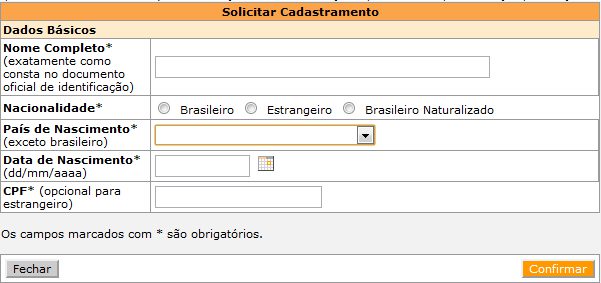
3) Fill out all the fields, except CPF if you do not have it yet: Full name; Nationality; Country of birth; Date of birth ► Click on “Confirmar”
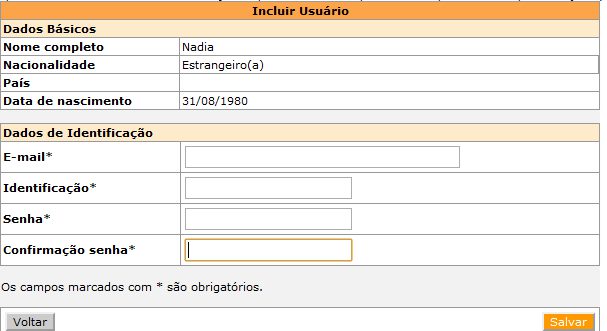
4) Fill out the field “Dados de Identificação”: Email address; Username; Password; Confirm your password
5) Go to http://www.fapesp.br/sage/ and log in. You’ll be asked to enter a code sent to the email address you used during registration.
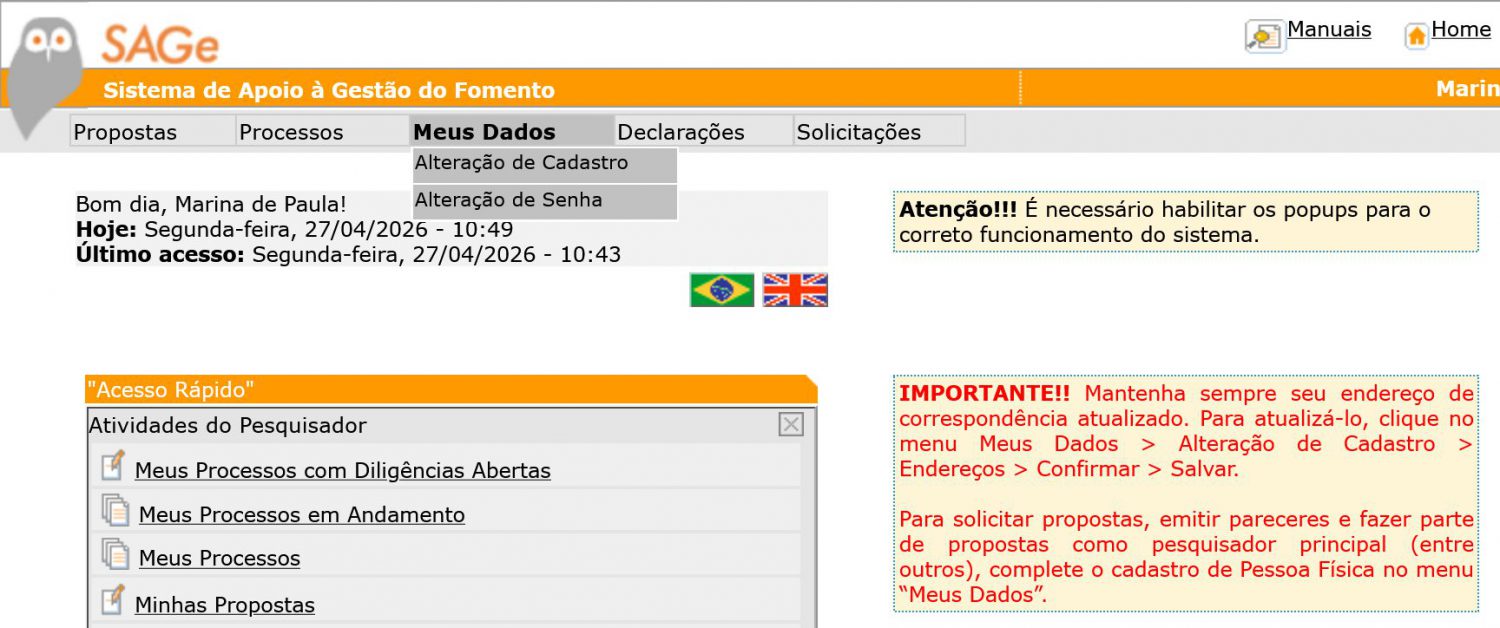
6) After logging in, go to ‘Meus Dados’ and click on ‘Alteração de Cadastro’.
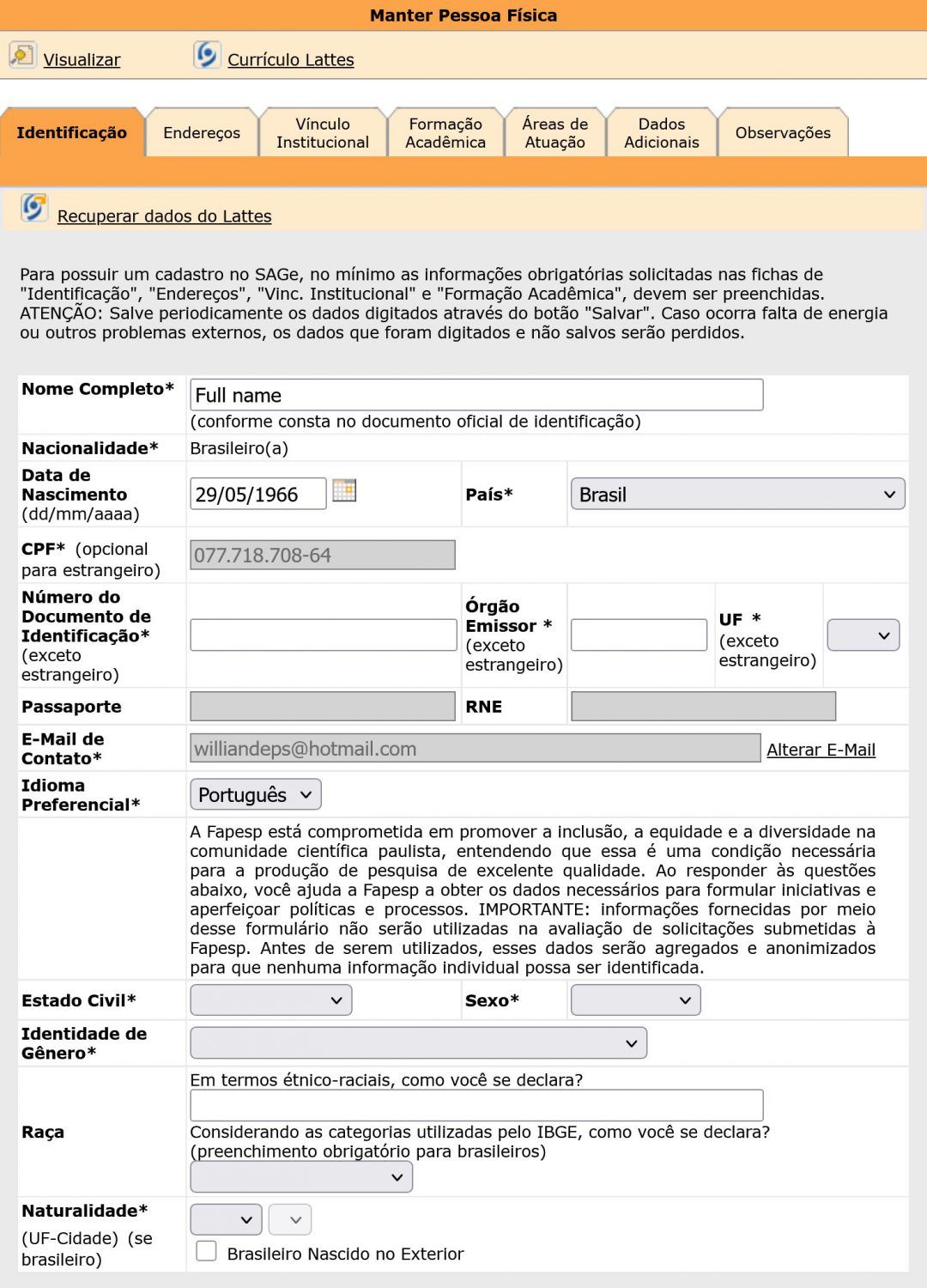
7) Click on “Identificação” ► Fill in all fields marked with an asterisk (*). If you are not Brazilian, you may leave the following fields blank: ‘CPF’, ‘Número de Identificação’, ‘Órgão Emissor’, ‘UF’, and ‘Naturalidade’ (at the bottom of the page). You may also choose English as your preferred language under ‘Idioma Preferencial’. ► On field “Estado Civil”, select your marital status (for instance: married = “casado” and single = “solteiro”) ► On field “Sexo”, choose between male (“masculino”) or female (“feminino”) ► Under “Identidade de Gênero”, choose the option that best describes your gender identity.
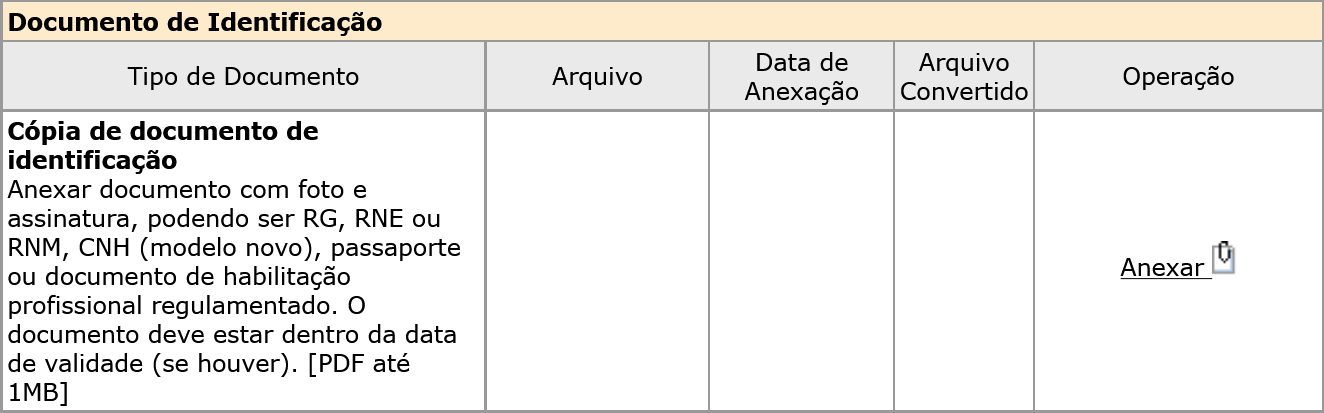
8) A photo of your passport (or brazilian ID document if you have) ► Click on “Anexar” to upload it. ►Click on “Salvar” on the bottom of the page.
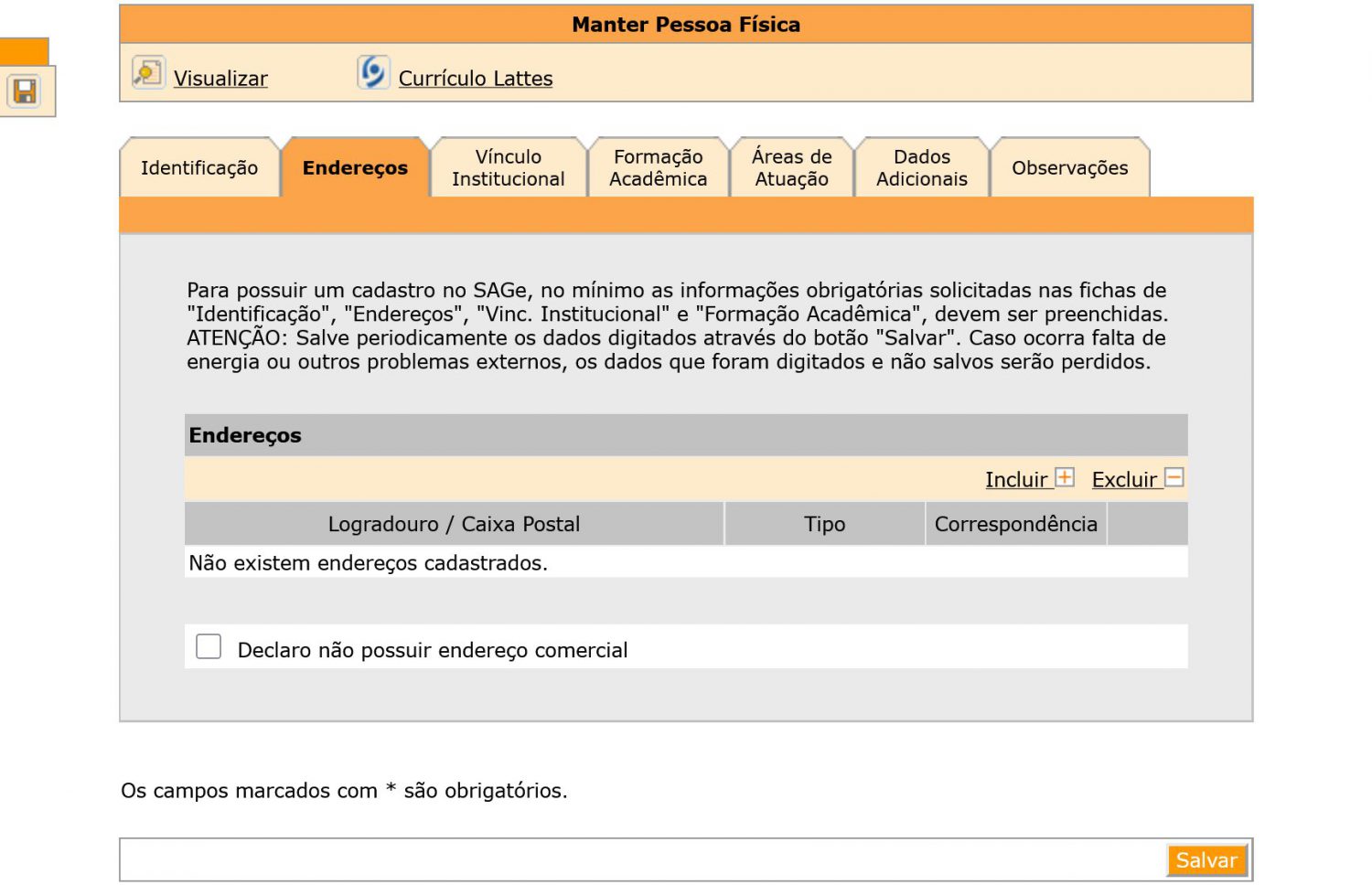
9) Click on “Endereços” ► “Incluir” ► on field “Logradouro”, provide the institute address: Rua Dr. Bento Teobaldo Ferraz 271, Bloco 2 – Barra Funda CEP:01140-070 São Paulo; and on the field “Tipo”, write “Comercial” ►Salvar
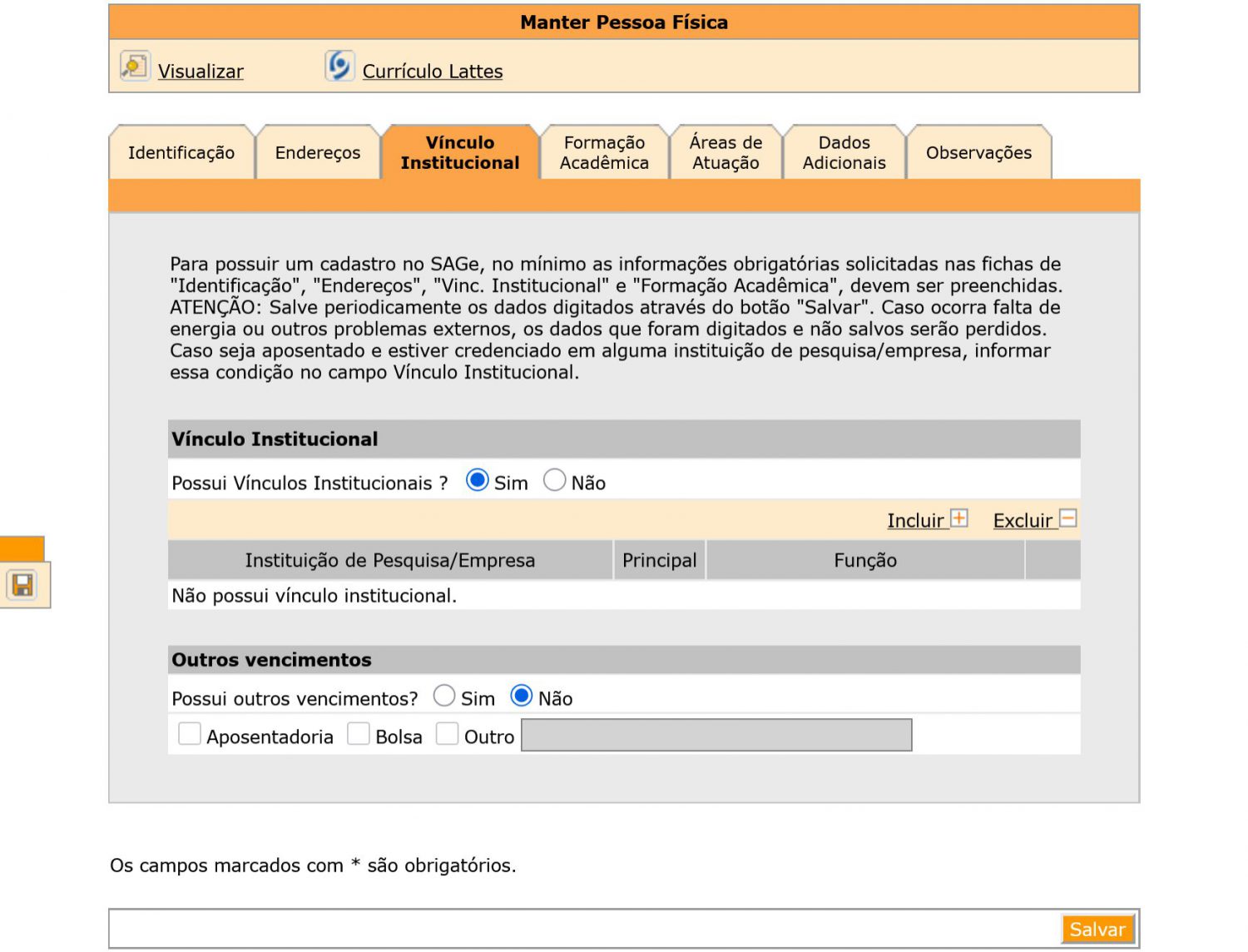
10) Click on “Vínculo Institucional” section ► On “Possui Vínculos Institucionais?” field, click on option “Não”. Later, after your arrival you will change this to “Sim” and choose “Instituto de Física Teórica” as your “Vínculo institucional” ►To finish, select the option “Não” under “Outros Vencimentos” ►Click on “Salvar” at the bottom
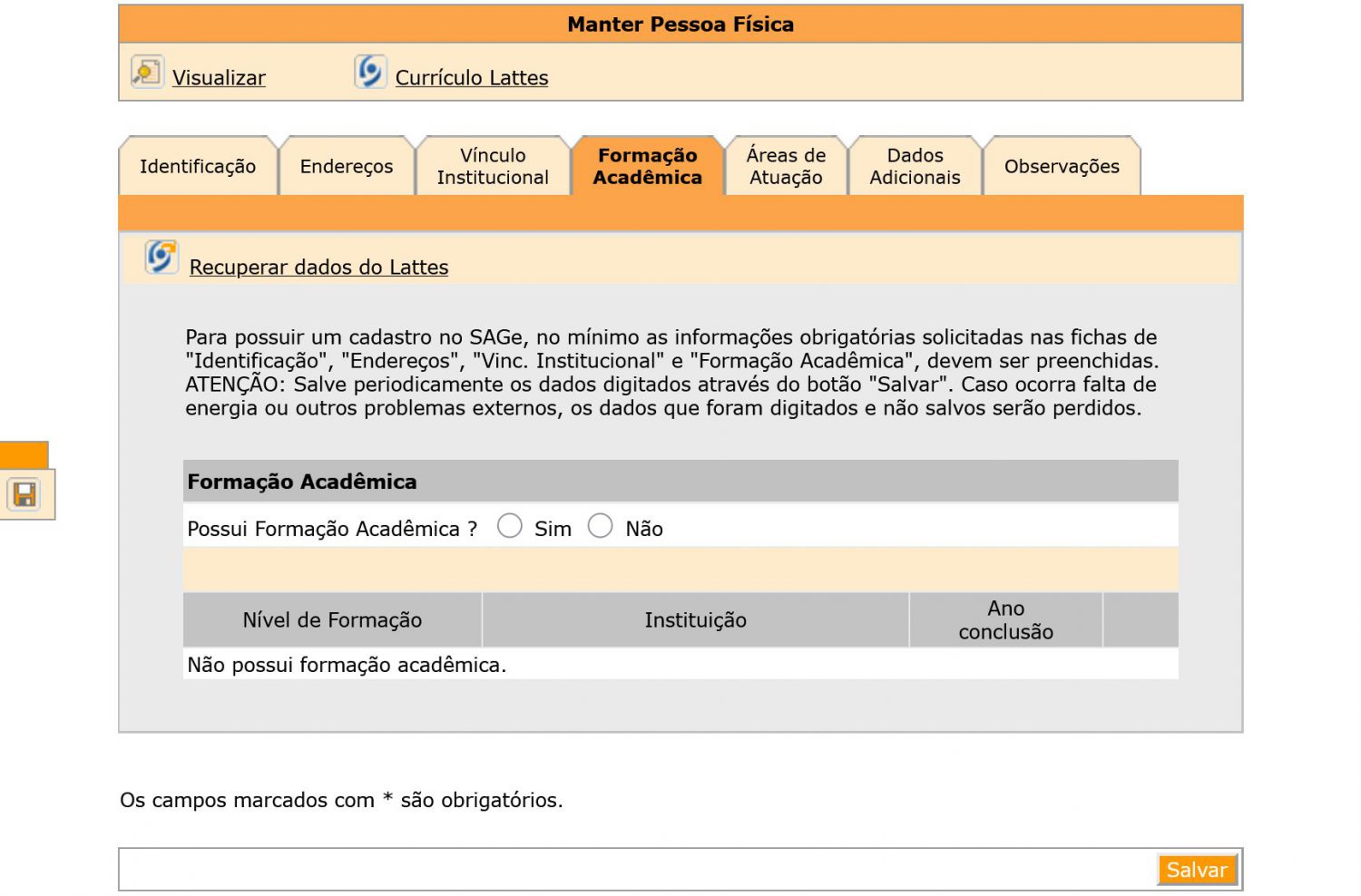
11) Click on “Formação Acadêmica” ►Select ”Sim” in the “Formação Acadêmica” field ► “Incluir”
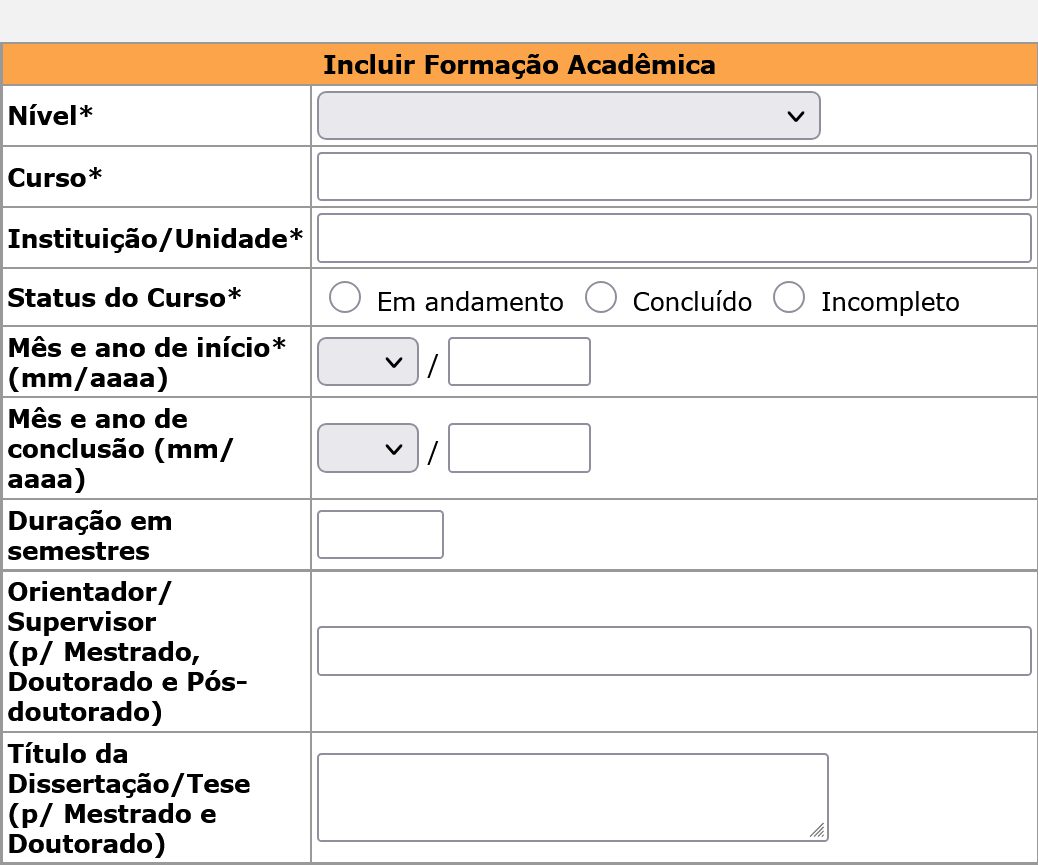
Click on “Nível” to inform your academic degree ► Enter the course name under “Curso” ► Provide your Graduation Institution under “Instituição/Unidade” ► Current status of the course: “Em andamento” = in progress, “Concluído” = finished or “Incompleto” = unfinished ►”Confirmar”
►Click on “Salvar” on the bottom